Clawdbot: The "Greatest AI Application Ever" Might Not Be Right for You

Discover why Clawdbot is called the greatest AI app ever. Our hands-on review covers setup, risks, Mac mini requirements, and how to supercharge it with BrowserAct.
AI employees are promising, but at this stage, they're still risky.
Over the past 48 hours, if you've been immersed in Claude Code's various Skills capabilities, you might have missed a viral AI Agent product that's been taking the tech world by storm—Clawdbot. Countless AI influencers and tech leaders are calling it:
"The greatest AI application ever built."
And frankly, Clawdbot deserves the hype. Industry leaders from major tech companies have been endorsing it, with some even purchasing dedicated Mac minis just to run it—including product leads from Google AI Studio. Since its explosive debut, Clawdbot has become inseparably linked with the Mac mini as the ultimate power-user combo.
But don't get the wrong idea—this article isn't here to sell you on Clawdbot. Quite the opposite. We're here to help ease your FOMO: you haven't really missed anything critical, because right now, Clawdbot is still very much a "geek toy."
What Is Clawdbot?
Clawdbot is an open-source local AI agent project developed by Peter Steinberger and the community, with a lobster as its mascot.
Compared to previous local AI projects, Clawdbot accomplishes two major things:
Actionable Tools
It provides a complete toolkit that can actually "do things"—browser control, Shell commands, file read/write operations, scheduled tasks, canvas features, and more. This means the model's output can directly translate into real actions.
Multi-Channel Gateway
It creates a gateway connecting WhatsApp, Slack, Discord, Signal, iMessage, and Microsoft Teams. You can use any familiar chat window to remotely control your computer.
The core concept is straightforward: using conversation to control a device with high-level permissions, completing virtually any task. That's Clawdbot's main selling point.
Why Hardware Matters
Clawdbot's concept isn't complicated, but the real requirement is hardware: it needs a machine running 24/7. It supports macOS, Linux, and Windows (via WSL2). The fundamental idea is simple—configuration and memory stay on your local drive, while model calls happen only when inference is needed.
Think of it as "a persistent AI agent on your computer + a switchboard for chat interfaces." This explains why it suddenly went viral: everyone's JARVIS fantasy has become something you can actually download, run, and tinker with.
What Can Clawdbot Actually Do?
After spending the weekend with Clawdbot, I found that while installation is relatively straightforward, the real complexity lies in configuration—customizing it to fit your specific needs. The system permissions it requires are also quite extensive, which directly means it shouldn't share a machine with your personal data.
But if you grant the appropriate permissions, the experience becomes genuinely futuristic. You can have it automatically reconfigure your router, set up sync services, create URL shorteners, or completely rebuild a website from your desktop folder—all through a chat window. It feels like delegating tasks to a remote "AI employee."
Why It Feels Different
The key difference from other AI Agent products: most AI tools answer your questions, but Clawdbot actually works like an employee—completing tasks for you, even when the results aren't perfect.
Clawdbot includes built-in browser control, Canvas drawing, scheduled tasks, and other tools. It can browse websites, fill forms, read/write files, and execute Shell commands. More importantly, it integrates with WhatsApp, Slack, Discord, Signal, iMessage, and Teams—allowing you to remotely control your computer through these chat apps.
Real-World Use Cases
When these "hands-on" capabilities get glued together, the possibilities multiply:
- Say: "Extract all dates from that contract and create a spreadsheet" → It finds the file, reads the content, organizes everything, and delivers it.
- Say: "Run this code, test it, and fix any errors" → It pulls the code, opens your editor, runs commands, fixes issues, and re-runs.
- Say: "Write this week's report, send it out, then create a review project in Todoist" → It writes scripts, configures cron jobs, and executes the entire workflow.
Each step individually isn't mysterious. What's remarkable is how it connects command line, browser, file system, and chat window into a single pipeline. Your effort shifts from "operating" to "describing."
You issue instructions through chat, and it reads/writes files, opens browsers, runs commands, and handles automation on your computer. Send a message from your phone, and it works like remote desktop—except with a thinking model in between.
Why Everyone Is Buying Mac Minis
Many users deploy Clawdbot on a dedicated Mac mini as a "never-sleeping AI assistant."
macOS Requirement
The choice of Mac mini exists because Clawdbot's GUI operations currently only work on macOS.
Real User Stories
Some users report using Clawdbot to monitor Claude coding sessions—automatically pulling code, opening VS Code, running tests, generating fixes, and auto-committing. Others claim to have "rebuilt entire websites while binge-watching shows, just through conversation."
The Logic Behind Dedicated Hardware
The reasoning isn't complicated:
- Always-on requirement: This needs to run continuously. Mac mini is affordable, quiet, and energy-efficient—perfect as a home server.
- Risk isolation: The permissions required are extremely high. Mixing it with personal daily data is extremely risky. A dedicated machine keeps risk contained in a controlled box.
- Automation scope: The more it can automate, the more isolation it needs.
Of course, some users go overboard—stacking multiple Mac minis, deploying Raspberry Pis everywhere, essentially building mini data centers. The more sensible community advice: a spare computer or even a $5/month VPS can run it fine.
Bottom line: Mac mini isn't an entry ticket. Whether to buy dedicated hardware depends on where you're willing to place "root access."
That said, Mac mini is just the mainstream choice among hardcore users. The official recommendation is to pair Anthropic Pro/Max subscription with Claude Opus 4.5 for better long-context capabilities and prompt injection protection. Note that Anthropic recently changed Claude Code OAuth token permissions—they're now limited to internal Claude Code use only, not external API calls. You'll need a separate Anthropic API key to use Clawdbot properly.
With Great Power Comes Great Destructive Potential
The most important "disclaimer" is built into the product itself.
Clawdbot's capabilities are built on permissions. It can send emails, modify configurations, and run scripts—which also means: if it misinterprets instructions, gets manipulated by prompt injection, or gets misled by web content, the consequence isn't a wrong answer—it's a wrong action.
You can't simply say "I'll be careful" to mitigate this risk. The problem is structural:
Context vs. Security Trade-off
It needs to read context to be smarter; more context means more potentially sensitive information exposure. Users have already reported Clawdbot accidentally deleting critical photos from their computers.
Tool Power vs. Error Impact
It needs tools to be useful; more powerful tools mean larger blast radius for mistakes—including potential password leaks. It needs network access for complete workflows; more connectivity means more entry points for injection and manipulation.
This explains why even during early adoption, advice like "dedicated machine deployment," "minimum necessary permissions," "secondary confirmation for sensitive operations," and "use one-time credentials for accounts" appears so frequently in Clawdbot communities.
The Verdict: Should You Install It?
If you're seeing everyone talk about Clawdbot, here's my recommendation: don't rush to install it, and don't stress about missing out. The reasons are simple: it definitely delivers impressive results, and it definitely puts risks front and center.
Most people's actual needs haven't reached the point of "handing an entire computer to a model."
It's undeniably cool—cool enough to make you reconsider what "automation" can really mean. But it's also genuinely dangerous—dangerous enough that I absolutely would not recommend deploying it on any production environment device.
The Bigger Picture
You might think this wave of excitement came out of nowhere, but the rhythm feels familiar.
Early last year, Manus had a similar moment—demo videos going viral, "I delegated my work to AI" narratives, tutorials and group chats exploding overnight.
What's Different About Clawdbot
- Battlefield shift: From cloud product pages to your personal computer
- Memory evolution: No longer just account conversation history, but local files, Markdown logs, portable configurations
- Execution independence: No longer relying on "platform-provided actions," but your machine's toolchain
- Interface expansion: Chat apps become the remote control, not just web interfaces
- Success metrics: Not measured by one demo, but by how much of your workflow you integrate
This is precisely why Clawdbot is more addictive than Manus: it's closer to your system, closer to your data, closer to your permissions—perhaps too close.
Realistic Expectations
After 48 hours of hands-on experience, I believe:
If you treat it as a "plug-and-play productivity booster": You'll likely be disappointed. Configuration barriers, permission anxiety, model costs, and error costs will quickly dampen enthusiasm.
If you observe it as a trend indicator: Clawdbot's value is undeniable. Personal AI is evolving from "answering questions" to "executing tasks," from "occasional use" to "always-on," from "application" to "system."
The Future of Personal Computing
Future personal computing devices may increasingly resemble "home servers" that can be awakened by a message anytime—and your interface with them might just be the chat window you already use daily.
You Can Wait
You can absolutely wait:
- For simpler installation processes
- For more refined permission models
- For security middleware to become standard
- For the community to document best practices like instruction manuals
When that happens, Clawdbot will transform from geek toy to mainstream tool.
Until then, treat it like a highly capable but trouble-prone lobster: it can work, it can amaze, but it's best kept in a box where you're willing to accept the consequences.
Supercharge Your Clawdbot Setup with BrowserAct
While Clawdbot excels at local automation and system-level tasks, many workflows require robust web interaction—scraping data, navigating complex websites, or automating browser-based tasks. This is where BrowserAct becomes the perfect companion.
Why Pair Clawdbot with BrowserAct?
BrowserAct is a powerful browser automation and AI web scraping platform that addresses Clawdbot's web-facing limitations:
- Advanced Anti-Detection: Successfully bypasses CAPTCHAs and bot detection systems that would block standard automation
- Global IP Network: Access geo-restricted content with IPs from locations worldwide
- Human-Like Browsing Behavior: Simulates realistic browsing patterns to avoid detection
- Fingerprint Browser Technology: Manages browser fingerprints to maintain persistent sessions
- No-Code Interface: Build complex web automations without writing a single line of code
- API Integration: Connect directly with Clawdbot through BrowserAct's robust API
The Ultimate Automation Stack
By combining Clawdbot's local system control with BrowserAct's web automation capabilities, you create a comprehensive automation ecosystem:
- Clawdbot handles local tasks—file management, system configuration, code execution
- BrowserAct handles web tasks—data extraction, form filling, authenticated browsing, multi-site workflows
This combination transforms your "AI employee" from a local assistant into a full-stack automation powerhouse capable of executing end-to-end workflows across both your local machine and the entire web.
Ready to build the ultimate AI automation setup? Try BrowserAct free and connect it with your Clawdbot deployment today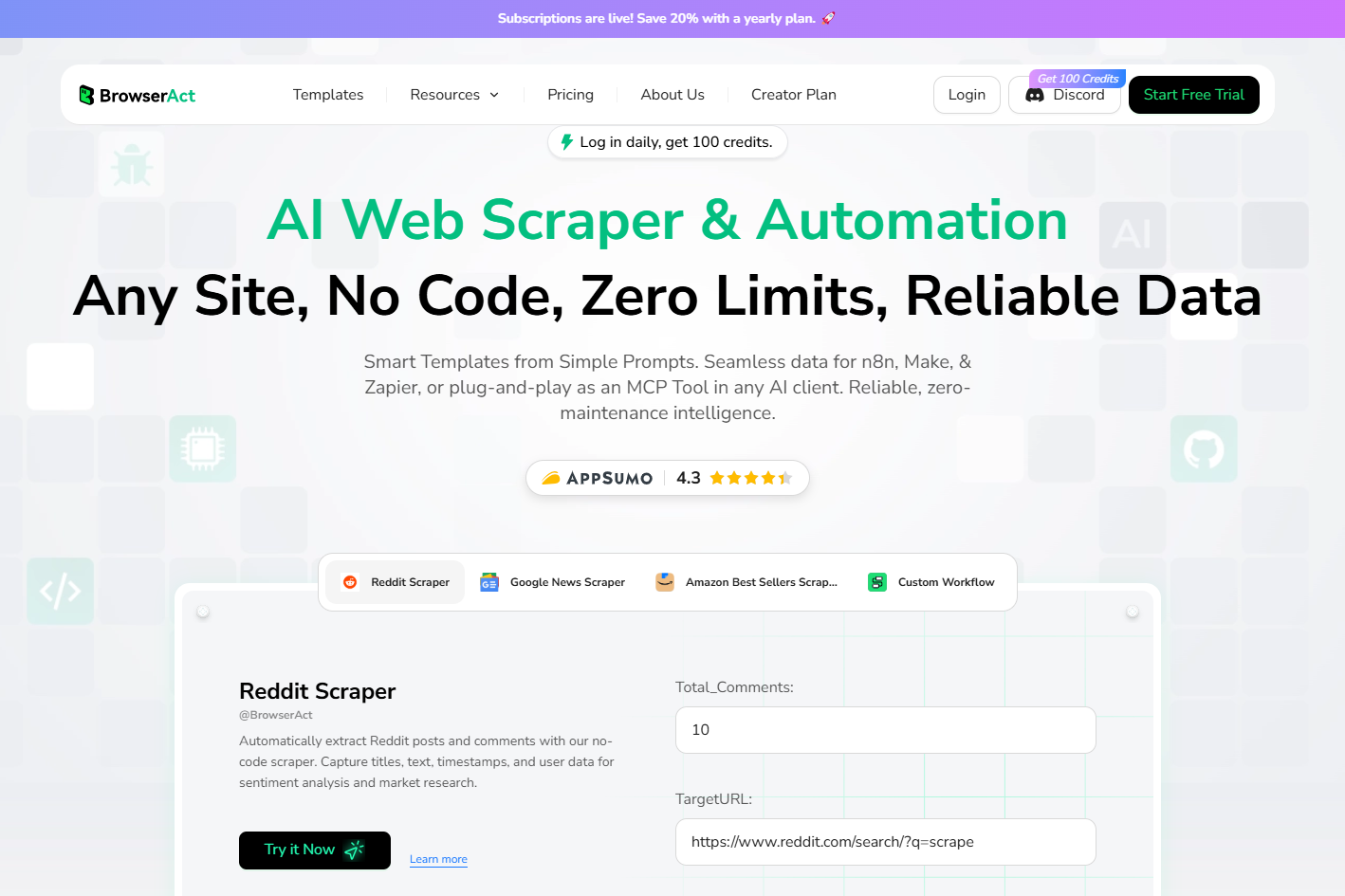

Relative Resources

How One Person Made $100K in 3 Days Selling OpenClaw Setups

AI Agents' Social Revolution: OpenClaw + Moltbook Explained

What Are Skills? Complete Guide to AI Agent Skills | 2026


